Make the next action visible
A publishing workflow can become harder to maintain than the content itself. If every idea needs twenty fields before anyone can begin, the board may turn into another inbox. Start by identifying what a teammate needs to know to move an idea forward.
In Notion, a board is a database view that groups items by a property such as status. Each database item is also a page, so the card can hold research links and a draft as well as its visible properties. These building blocks are enough for a modest editorial workflow. Board documentation; database-page documentation.
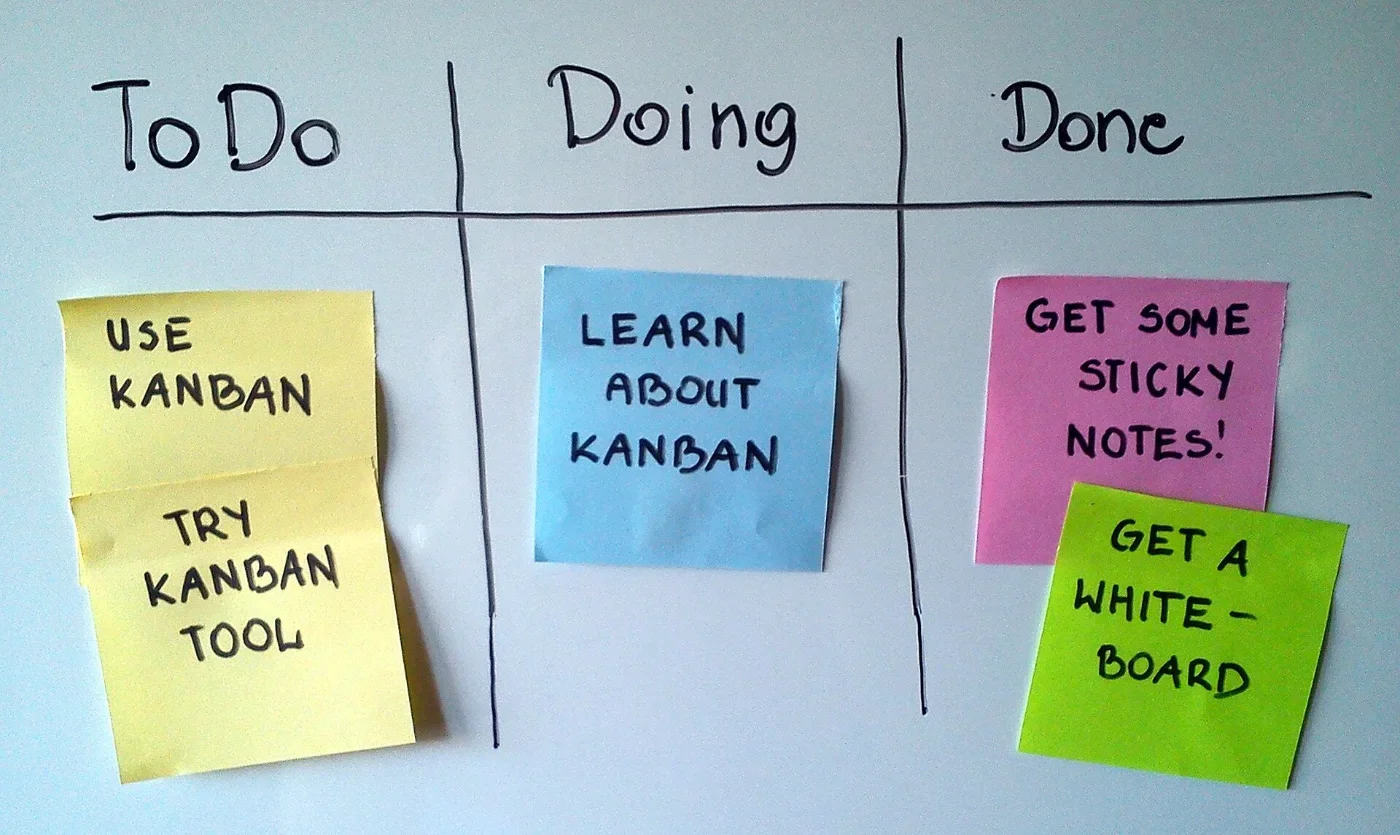
A proposed four-stage workflow
- Idea: write the reader's question in plain language. A product name alone is not yet an article brief.
- Research: collect official sources and note what remains uncertain. Keep manufacturer claims separate from observations your team has made.
- Draft: add the article, a working headline and the one decision it should help the reader make.
- Ready: confirm that links work, factual claims have sources and images have a known origin. Move to this stage only when the piece is actually ready for its next publishing step.
Keep properties useful
Our suggested starting fields are topic, owner, status and a target date when one exists. Put the longer checklist inside the page. Notion's board settings let you choose which properties appear on cards, so you can keep the overview readable while preserving detail in each item. Board layout and property visibility.
Try the structure with three real ideas before importing an entire backlog. Ask a teammate to open one card and explain the next step. If that is unclear, rewrite the brief before adding more automation. This workflow is our editorial proposal, not a performance result from a tested team deployment.
A board will not validate a product claim or replace a publishing review. Its value depends on clear ownership and regular use. If a shared document already makes the next action obvious, keep that simpler process until a board solves a specific coordination problem.
Research notes
Sources & what we checked
Official documentation checked on October 23, 2026. Features and terms may change. The workflow suggestions and fit assessments are our editorial interpretation, not measured performance results.