Start with a repeatable shot
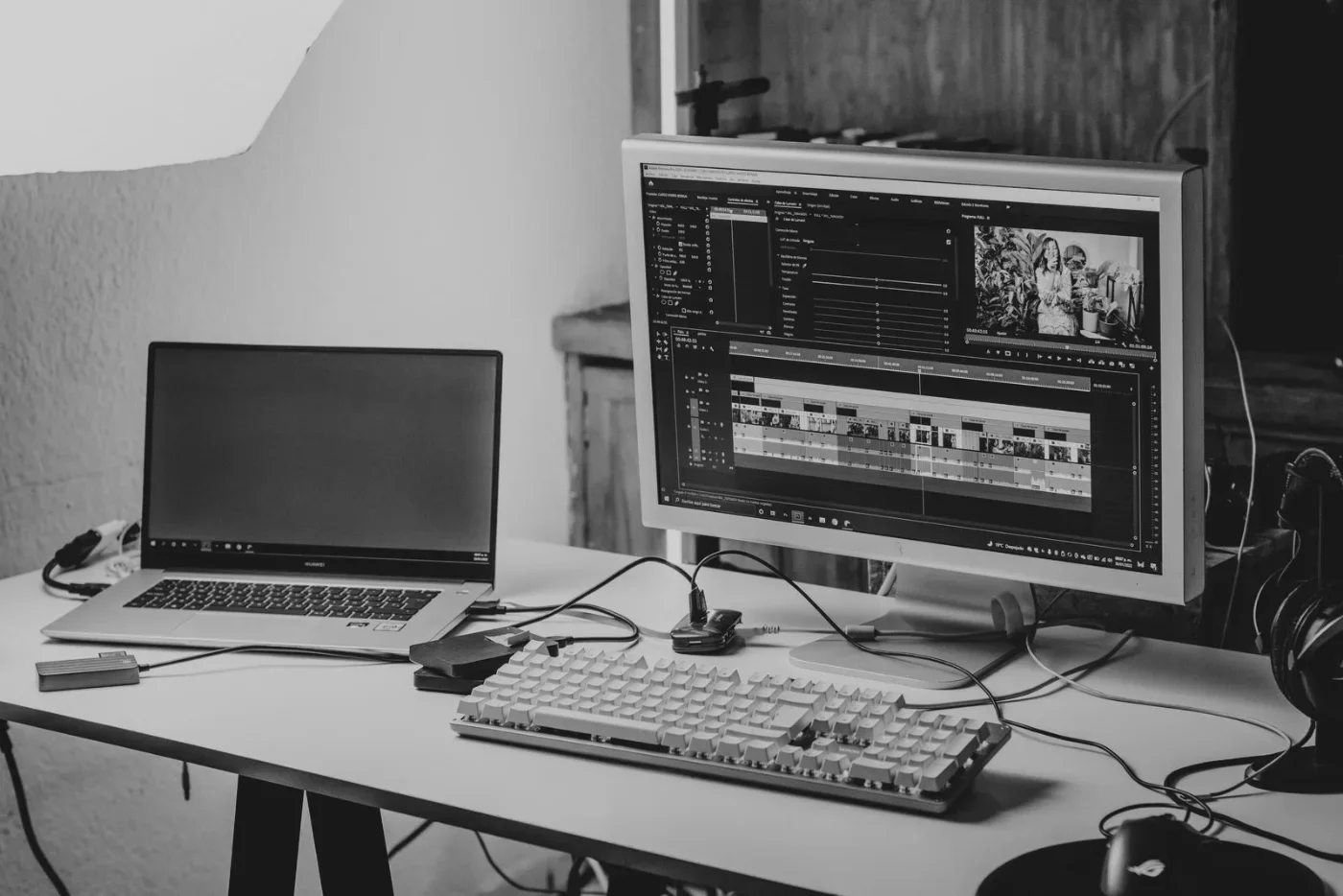
Before replacing a webcam, investigate what changes when you move the light. Pick a short script, keep the camera in one position and record a few seconds in your usual working spot. Save the clip with the time of day. This is a small observation exercise, not a promise that lighting will solve every image problem.
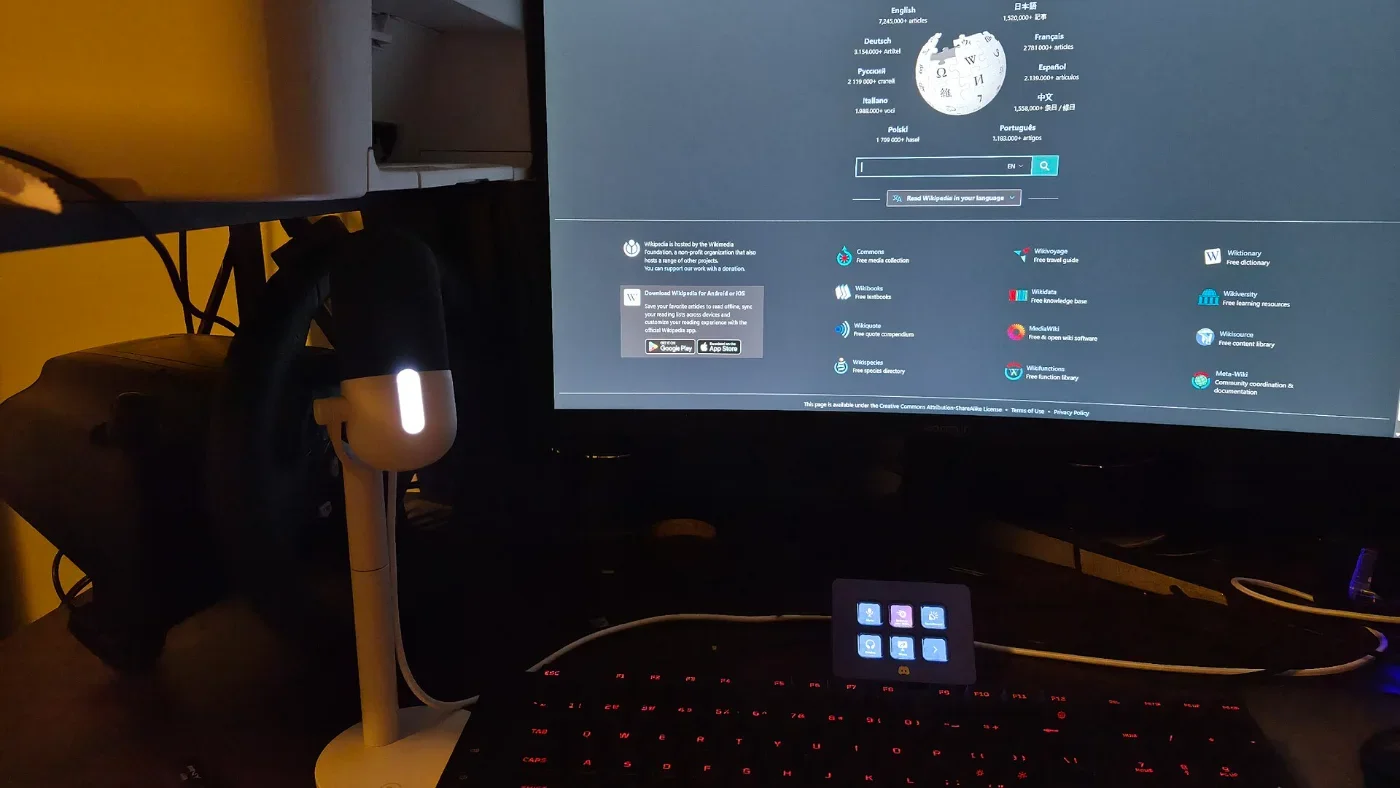
Litra Glow is Logitech's compact LED streaming light. Logitech describes a diffused light source and provides brightness, color-temperature and power controls through its free G HUB desktop software. These are useful features to investigate if your desk depends on daylight that changes between morning calls and evening recordings. Manufacturer's feature description.
Try this before buying
- Record one clip facing your available window, then another in your normal position. Keep framing and camera settings as consistent as your equipment permits.
- Look for the actual problem: a face that is too dark, bright glasses reflections, uneven shadows or a background that overwhelms the subject. Write down which issue you want to change.
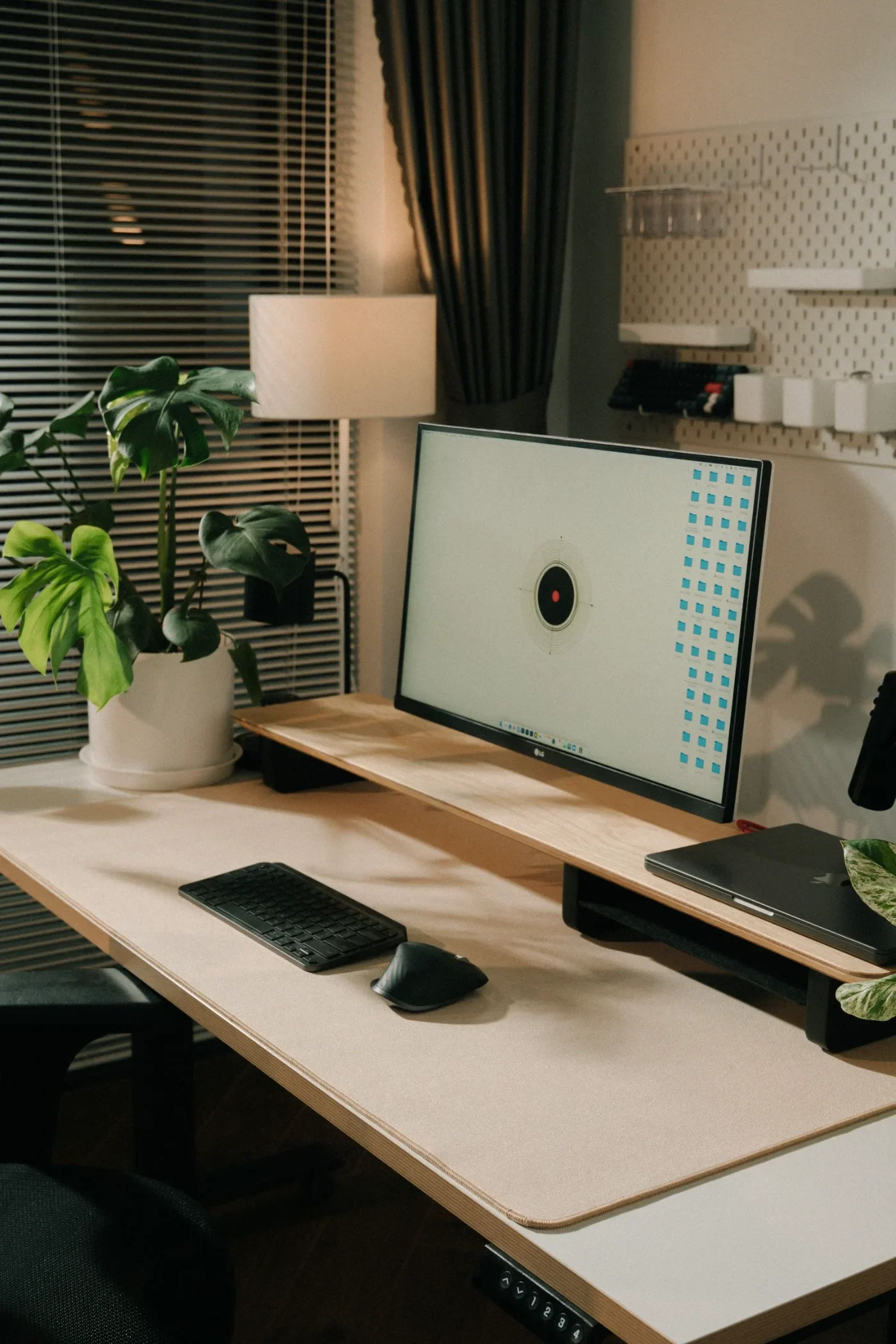
- Consider your evening setup separately. A solution that depends on a window may not match your recording schedule.
- If you can borrow a light, make a second comparison with that light in several positions. Keep brightness comfortable and avoid pointing an intense light directly into your eyes.
Check the desk, too
The quick-start diagram shows a monitor-mounted setup and a USB 3.0 connection. Use it to check the intended mounting position and available cable route. Before buying, confirm the mount fits your screen and that your computer supports the software you intend to use. Official quick-start diagram.
Our editorial take: put Litra Glow on your shortlist if controlling light at a fixed desk is the actual goal. A larger filming area may require a different lighting arrangement. We have not verified Logitech's performance claims through measurements, and this guide does not compare the unit with competing lights. Keep your baseline clips so a future test can show the difference rather than simply describe it.
Research notes
Sources & what we checked
Official documentation checked on October 23, 2026. Features and terms may change. The workflow suggestions and fit assessments are our editorial interpretation, not measured performance results.