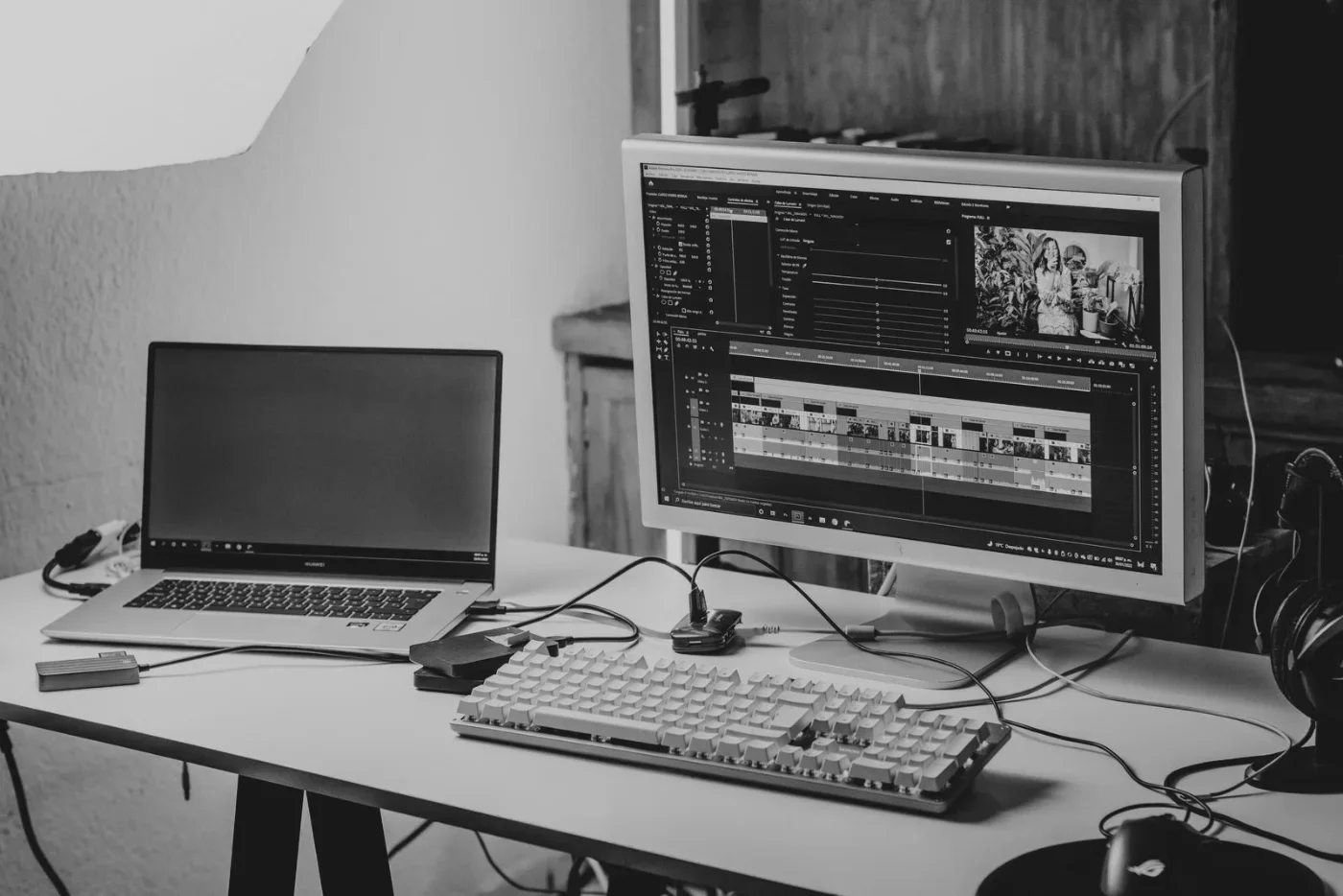
Decide what you are recording
A microphone for seated tutorials solves a different problem from a microphone for walking demonstrations. For a desk-based creator, the useful questions are simple: can it connect to the computer, can it sit close enough without blocking the screen, and can you mute it quickly during a call?
Wave Neo is a cardioid condenser microphone with a USB-C digital connection and a 3.5 mm headphone socket. Elgato includes a desktop stand, riser, foam filter and USB-C-to-USB-A cable. Those details make it worth considering for a stationary speaking setup; they do not tell us how it sounds beside your particular fan or keyboard. Elgato's product page.
Position it before adding accessories
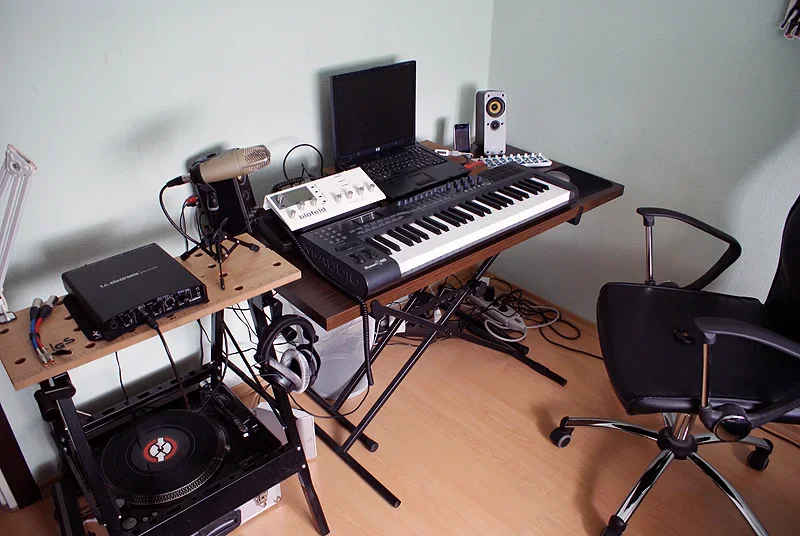
Elgato's manual says to speak into the side at approximately 8–12 cm, or 3–5 inches. It also describes the supplied riser, optional arm mounting and tap-to-mute control. That gives you a useful planning exercise: measure where your mouth, keyboard and screen would be relative to the stand. Placement and setup instructions.
- Sketch the cable route. A computer with only USB-C sockets may need a different compatible cable or adapter from the included USB-A host connection.
- Record the same short script with your current microphone in two positions. Listen for room echo, keyboard taps and changes in volume.
- Keep the original recordings. They become a meaningful baseline if you later borrow or buy a new microphone.
Check the current requirements
The current product page lists Windows 11 and macOS Sonoma 14.2 or later, alongside mobile requirements. Older manual text lists different desktop versions. If your system is older, resolve compatibility with Elgato before purchasing rather than relying on an older guide. Current system requirements.
Our editorial take: consider Wave Neo when the goal is a simple desk recording workflow. If your biggest problem is a noisy or reflective room, first investigate placement and the room itself. A worthwhile hands-on follow-up would compare intelligibility, background noise and desk vibration using the same script and settings.
Research notes
Sources & what we checked
Official documentation checked on October 23, 2026. Features and terms may change. The workflow suggestions and fit assessments are our editorial interpretation, not measured performance results.